
A cleaner Home Screen, same apps
Take apps off your pages. They stay installed in the App Library.
Get a Home Screen you can actually use.
If you’ve got 100 apps across 10 pages, organizing on the phone is a tedious afternoon of wiggling icons. Plug your iPhone or iPad into your Mac, put everything where it belongs, and press Apply when it looks right.
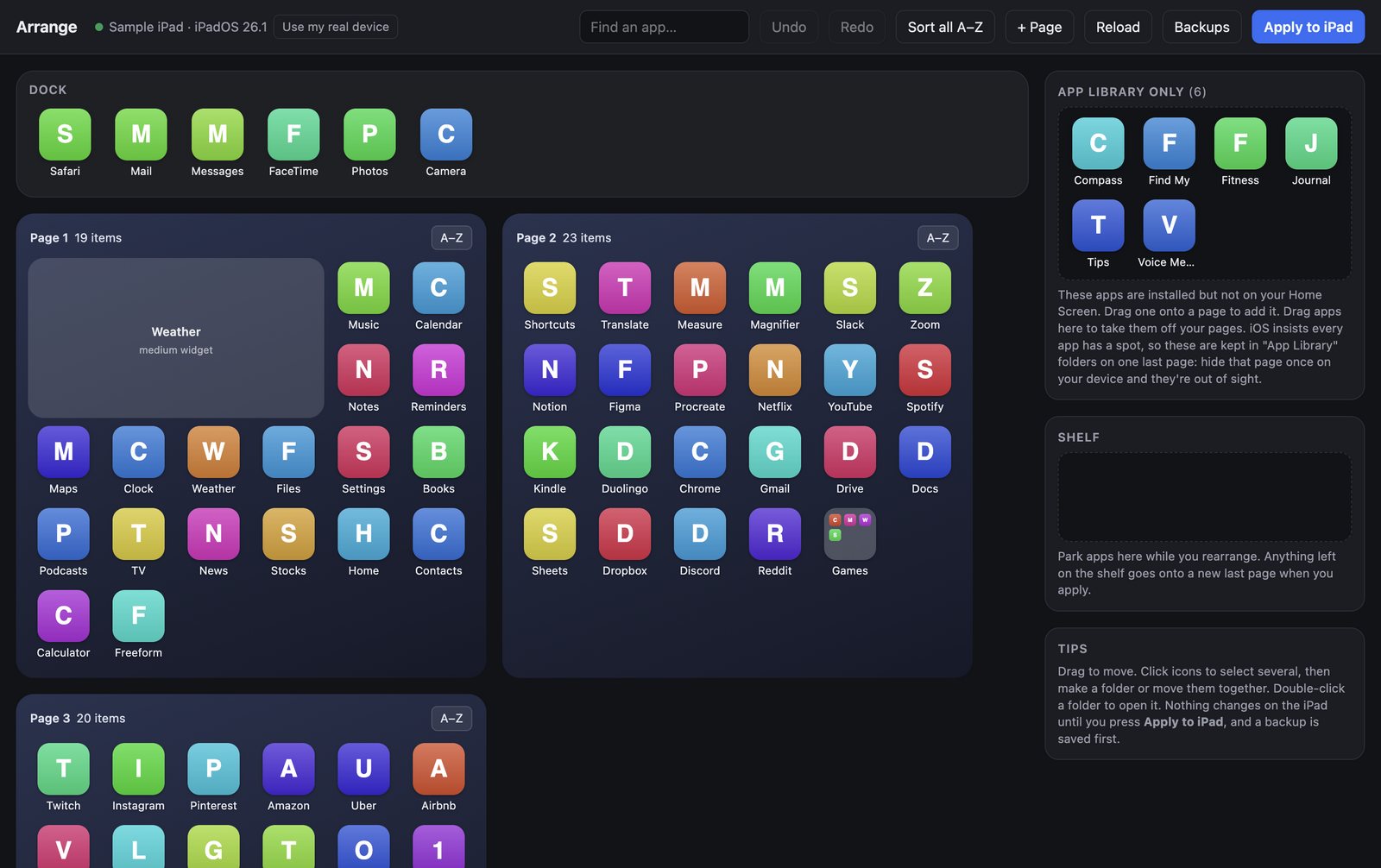
Plug your iPhone or iPad into your Mac. You see its real Home Screen, the one you’ll actually use.
Put a group of apps where they belong, in one move. Make folders, sort A–Z. It’s free.
When the layout looks right, pay $4.99 once, press Apply, and your device updates.
Apple took this out of iTunes in 2017. Arrange puts it back. If you used to do this from your Mac, it will feel familiar. If you never did, it just feels obvious.
Take apps off your pages. They stay installed in the App Library.
Sort a page or everything A–Z, or search by name, and go straight to the app instead of paging past the rest.
Undo as you go. Nothing changes until you press Apply, and you can restore any backup later.
Rearrange your device or a sample one for free. Pay $4.99 once to apply. One key per Mac covers every iPhone and iPad you plug in.
Arrange needs no account and has no server. It talks to your device directly over USB.
Try it free and pay $4.99 once, only when you apply. Download it, plus the full tour and setup guide, at usearrange.com.
Also from EchelonOne: Echelon InboxJimothyGitPin · Need help with AI at your company? Work with Brandon